Sync your radio-controlled watch with your iPhone.
MoyiWave simulates the six major radio time-calibration signals on your iPhone or iPad — hold your watch close and it syncs. One-time purchase, no ads, no tracking, fully offline.
Hold your watch to the phone and wait — it syncs in a few minutes.
Pick a station
Choose the signal your watch uses — JJY (Japan), WWVB (USA), DCF77 (Germany), BPC (China) or MSF (UK).
Hold it close
Place the watch antenna by the speaker; the app marks the speaker spot for your model.
It syncs
Tap start — the phone transmits the time code and calibration finishes in a few minutes.
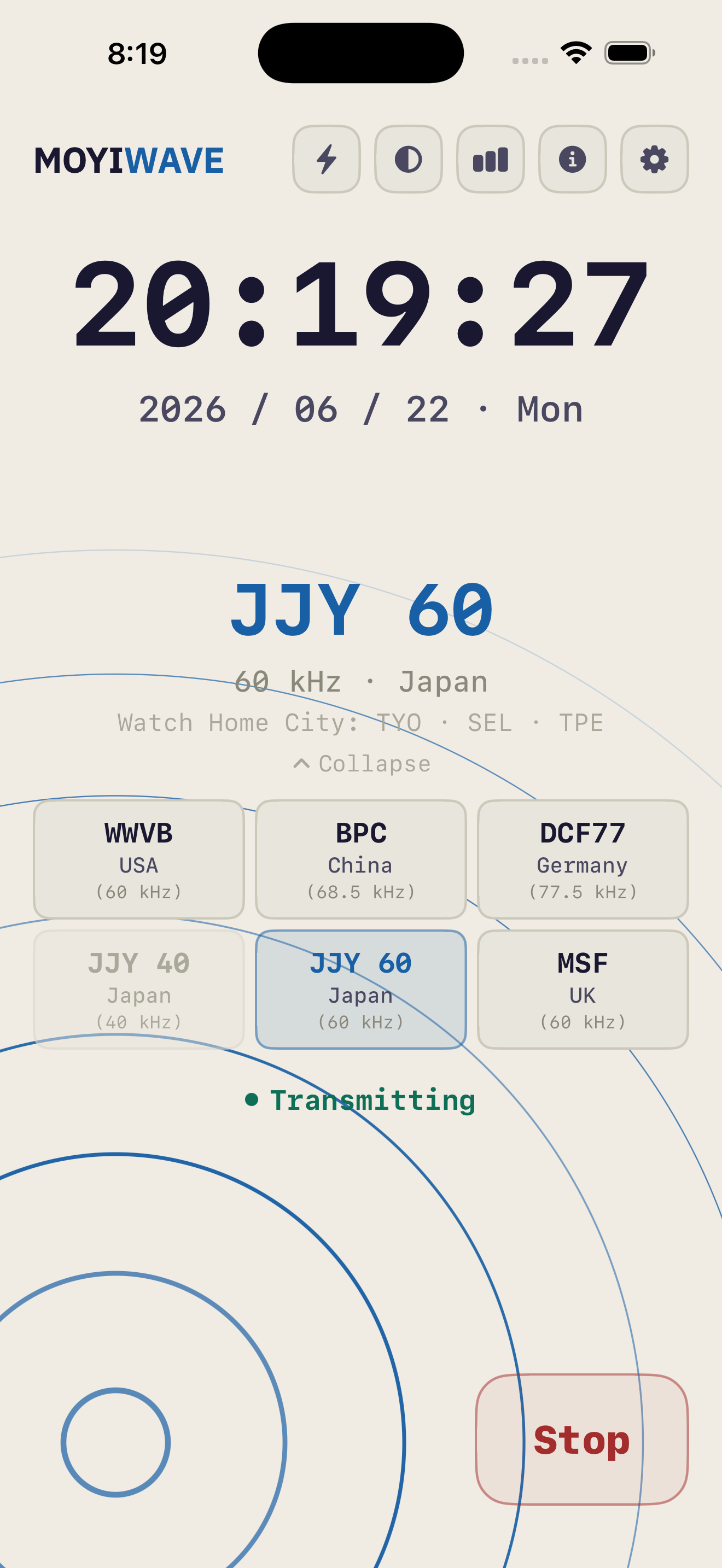
See the signal
Concentric pulses or a bar waveform; brightness follows the time code being sent.
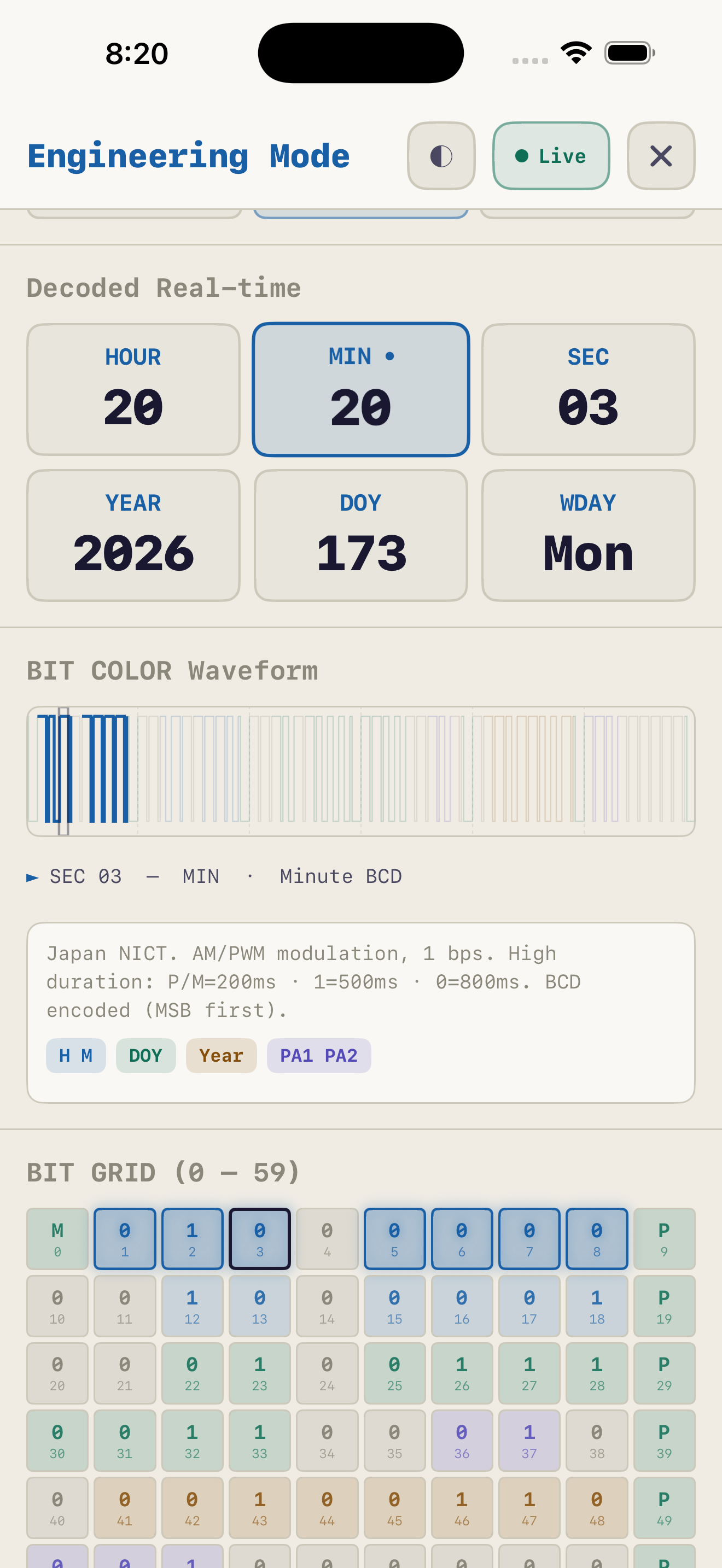
Decode every bit
BIT GRID, BCD encoding and parity shown live — see exactly what each second carries.
See the full Engineering Mode →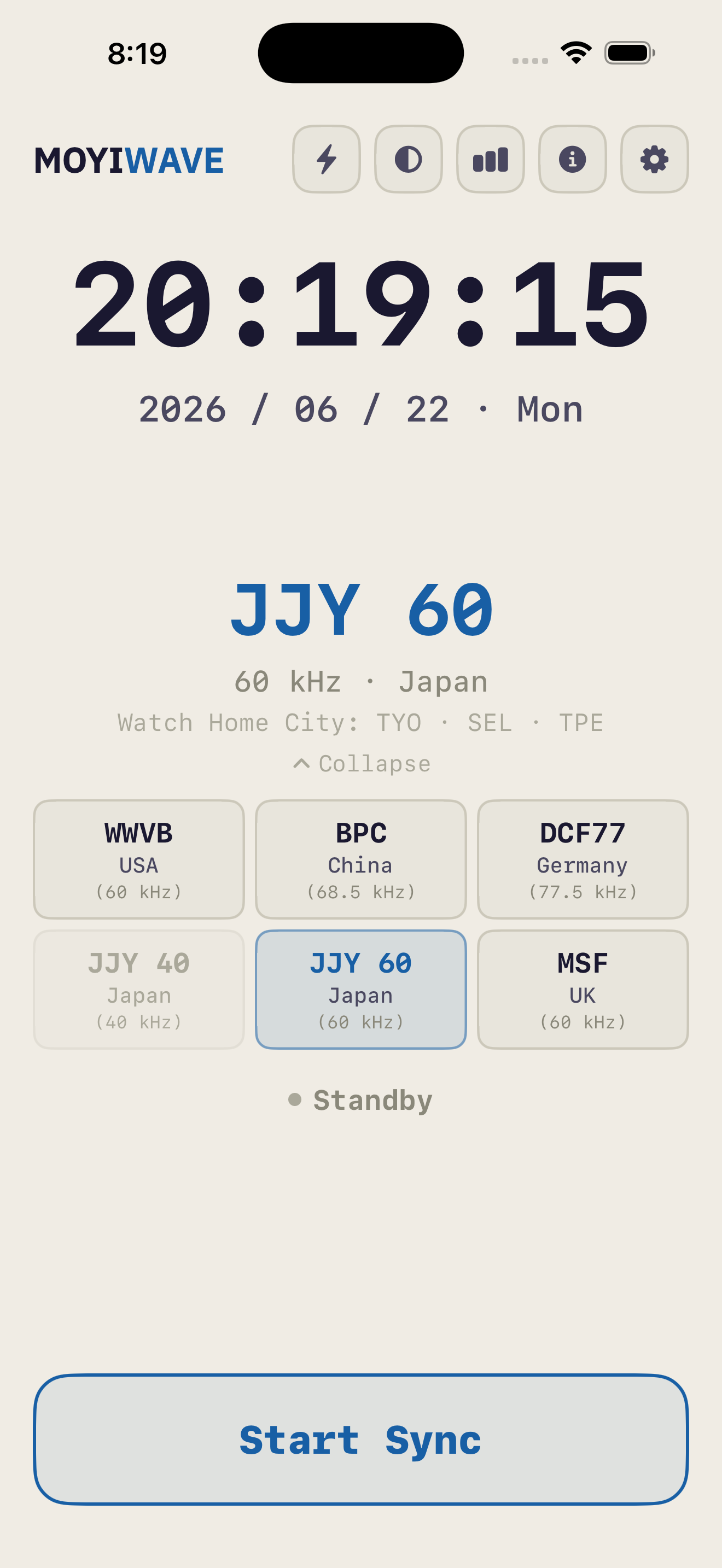
Six stations, one tap
Six national time signals — pick the one your watch listens to.
What this app does
Six radio signals
JJY40 / JJY60 (Japan), WWVB (USA), DCF77 (Germany), BPC (China) and MSF (UK) — covering common radio-controlled watches.
Dual-speaker sync
Calibrate two watches at once — the bottom speaker and top earpiece transmit together.
Per-model speaker positioning
Marks the real speaker location for your device model so you place the watch in the right spot.
Real-time visualization
Concentric pulses or bar waveform; brightness and intensity follow the live signal.
Engineering Mode
Decode the live time code: BIT GRID, BCD encoding, parity checks and protocol specs.
Light / dark themes
Switch themes instantly — easy to read day or night.
Five languages
Traditional Chinese, Simplified Chinese, English, Japanese and German.
Private & clean
No ads, no tracking, no sign-up, no network — everything runs on-device.
Full time-code specifications, transmitter maps and live decoding are on the signal-specs page.
Pricing
All six radio time signals, dual-speaker sync, speaker positioning, signal visualization, Engineering Mode, both themes and five languages — everything included. Payment handled by Apple’s App Store.
Privacy Policy
MoyiWave collects no personal data. The app runs entirely on your device.
No data collection
The app requires no sign-up or login and collects no name, email, location or device identifier.
No tracking
No analytics, no ad SDKs, no third-party trackers.
No network needed
All signal processing happens on your device; the app works fully offline.
Purchase
The one-time purchase is handled by Apple’s App Store; the developer never sees your payment details.
Contact
For any privacy questions, email gary@moyilab.com.